INDUSTRY · LIVE DEMOS ON THIS PAGE
HVAC Software. Urgent dispatch, techs with context, payroll ready.
The emergency call reaches the right tech with address, equipment and history. The visit is proven with photos and the real hours flow into payroll on their own.
This is not a video: it is the tech accepting the emergency in his app.
- 41 sec
from the notification to the job accepted in the field
- ∞
equipment and visit history per property
- 24/7
emergencies that arrive without going through your phone
- 0
tech hours rebuilt from memory
THREE FLOWS · THE DEMO CHANGES WITH YOU
From emergency to payment, without losing the tech.
DISPATCH
The 2 PM call should not cost you four more calls.
TODAY, WITHOUT DOP
- You call three techs to find out who is free.
- The one in the right zone hears about it two hours late.
- The planned day breaks and nobody knows what moved.
WITH DOP
- DOP suggests the tech by zone, workload and skill; you confirm.
- A push with address, equipment and that property's history.
- Unassigned queue: the emergency is visible, not lost.
- Drag & drop to rebuild the rest of the day on one screen.
A 92-DEGREE DAY
Six maintenance visits, two emergencies and not one extra call.
7:30 AMSCHEDULE
Maintenance is already split
Six visits by zone, each tech with his route. Nobody called to ask.
10:15 AMEMERGENCY
A system goes down at a storefront
It enters the unassigned queue. DOP suggests the closest tech with the right skill.
10:16 AMACCEPTED
Luis accepts in 41 seconds
He got the address, the equipment type and the property's history. He asked nothing.
11:40 AMDIAGNOSIS
Photos of the unit and the part
They stay on the job. The customer sees them in their portal when the invoice arrives.
12:20 PMBILLING
Invoice with materials and labor
It goes out at job close, with a payment link. It does not wait for Friday.
FridayPAYROLL
The pay run is already built
Real hours, drive time and overtime per tech, ready for your payroll processor.
BUILT FOR HVAC OPERATIONS
The emergency should not break the day.
Urgent queue
Whatever comes in unassigned shows on the same day screen, flagged by priority.
NOTHING SLIPSDispatch by zone and skill
DOP suggests the right tech; your dispatcher confirms with one tap.
LIVE ON THIS PAGETech app
Address, equipment, history, checklist and timer on the phone he already has.
iOS · ANDROIDDiagnostic photos
Before and after of the equipment, attached to the job, the invoice and the customer portal.
ZERO DISPUTESPayroll from real hours
Drive time, overtime and labor cost per job and per tech.
VISIBILITY, NOT A PROCESSORInvoice at close
Materials, labor and a payment link on the same invoice, the same day.
STRAIGHT TO YOUR STRIPE
BEFORE THE DEMO
What HVAC companies ask
How does it handle an emergency mid-day?
The job enters the unassigned queue flagged by priority and DOP suggests the closest tech with the required skill. You confirm and the rest of the day is rebuilt with drag & drop.
Does the tech see the equipment history?
Yes. Each property keeps its equipment, its previous visits and its photos, and all of it travels to the tech's phone along with the address.
Does DOP run payroll?
No. DOP gives you the visibility: real hours, drive time, overtime and labour cost per job. The payment is processed by your payroll provider, and the ADP or Gusto integration is part of the Diamond plan.
Can I invoice materials and labor separately?
Yes. Materials logged on the job become their own line items alongside labor, and the invoice goes out with the proof attached.
Does it work with contractor techs?
Yes. Each contractor carries their rate and their pay per job, and that cost enters the margin exactly like an employee's.
KEEP EXPLORING
See the dispatch and the team's money.
THE CLOSE

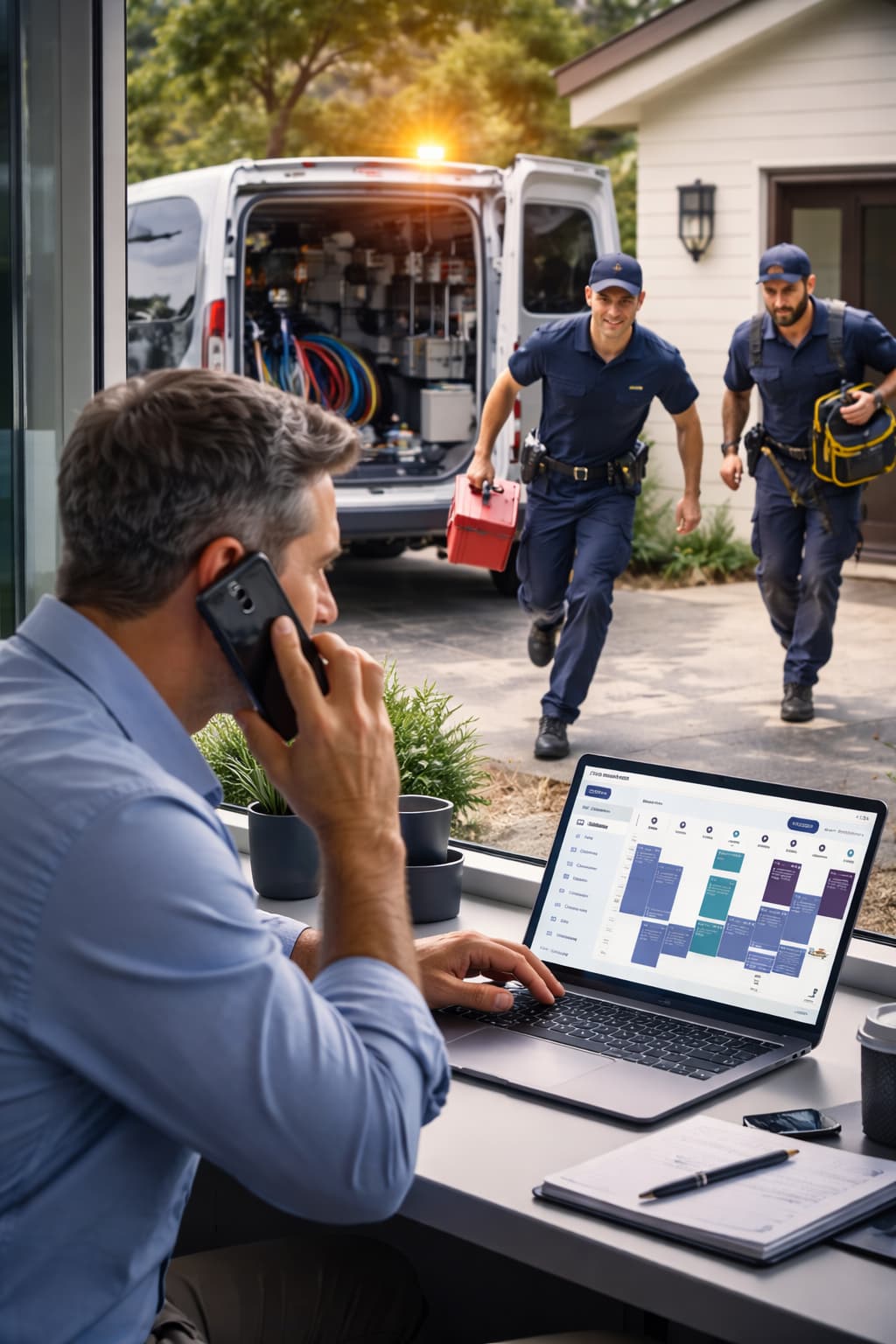
The right tech, with context, in 41 seconds.
The three calls to find someone, the photos on the tech's phone and Friday's hours rebuilt from memory become a dispatch that explains itself — from day 1.
30-minute demo · we dispatch one of your real jobs on the call
