Run a daily exception review without micromanaging
Use a short control routine to identify threatened commitments, assign decisions and close the loop in a cleaning operation.
THE SHORT ANSWER
Daily control comes from reviewing the work that needs a decision, not watching every movement. Maintain a short list of threatened commitments, assign the next action and confirm the outcome. Separate the person reporting an exception from the person authorized to decide what happens next.
What you’ll take away
- Review exceptions against commitments, not activity alone.
- Every open item needs an owner, decision and due time.
- Close the loop with the people affected by a change.
In this guide
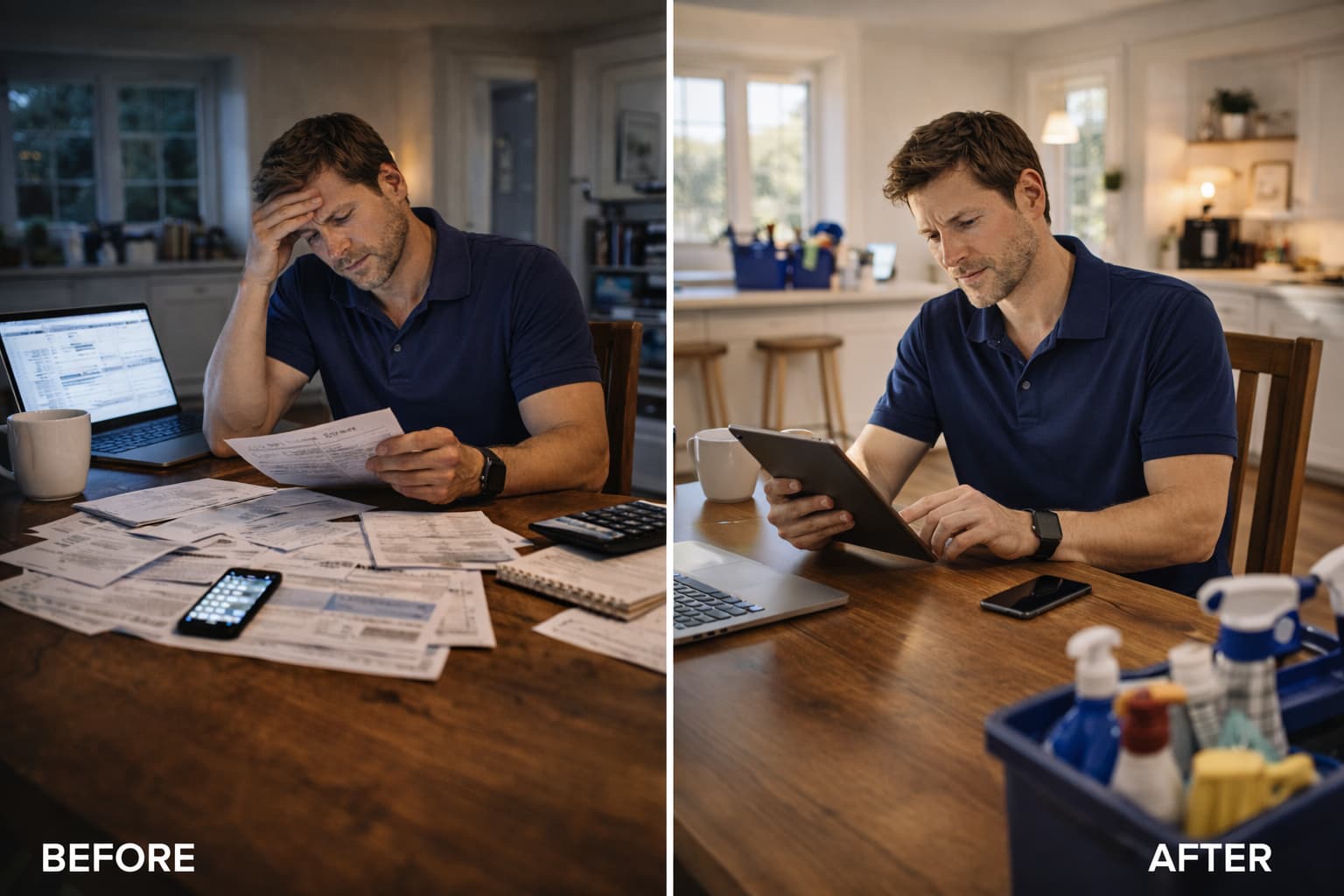
A dashboard can show many statuses without telling anyone what to do. A daily exception review turns selected information into decisions.
This routine works with a simple shared register or a connected system. Its value depends on the clarity of the decision and the quality of the underlying job records.
Choose a few decision questions
At the start of the day, ask which visits have no confirmed coverage, which properties have unresolved access or scope, and which customer commitments are at risk. During the day, ask what changed and which later visit is affected.
At closing, ask which jobs lack required evidence, which exceptions remain unresolved and which completed work cannot move to billing. Use the daily checklist to keep the review consistent.
Make the exception actionable
A proposed exception row contains the job, the risk, the next action, the decision owner, a due time and the people who need an update. “Customer problem” is not enough detail to act.
Hypothetical example: a property cannot be entered at the confirmed time. The cleaner reports the access failure; the coordinator contacts the approved customer contact and checks the route; the authorized person decides whether to wait or reschedule. The record should show the decision, not just the initial alert.
Avoid permanent escalation to the owner
Classify recurring exceptions and give the coordinator clear authority for ordinary cases. Reserve owner involvement for decisions outside those limits. If every row is escalated, the business has built a reporting queue rather than a control process.
Do not penalize accurate reporting of a problem. A team that hides exceptions to keep a dashboard green leaves the office with less time to respond.
Review what remains open
At the next review, begin with overdue actions from the previous one. Ask whether the decision was executed, whether the customer or team was updated and whether the record reflects the outcome.
Track unresolved exceptions and their age. Pair that with delivery and quality measures so “fewer exceptions” does not simply mean less reporting. When problems repeat, review the handoff design instead of creating another status meeting.
Common questions
How often should the review happen?
Use a rhythm suited to the service and its deadlines. A morning and closing review may suit one operation; time-sensitive turnovers can require more frequent exception checks.
Can a dashboard replace the review?
It can make the relevant information visible. A named person still needs to decide, act and verify that the exception is resolved.