How to evaluate software for a home service business
Use a realistic job scenario to compare service software, including permissions, changes, exports and full implementation cost.
THE SHORT ANSWER
Evaluate software by following a real job from request to payment review, including a change and an exception. Check what the office, worker and customer can actually do. A long feature list is less useful than evidence that the complete workflow fits your operation and budget.
What you’ll take away
- Test the same scenario in every shortlisted system.
- Include exceptions, permissions and data export.
- Compare total adoption cost, not only subscription price.
In this guide

A software demo usually follows a clean sequence. Your evaluation should include the messy handoffs that happen in your business. Use the same anonymized scenario for each supplier.
Write a representative test job
Choose a service type you regularly deliver. Define customer request, property, scope, estimate approval, assignment and expected completion evidence. Use synthetic details rather than giving every vendor real customer records.
Ask the presenter to perform the steps, not simply confirm that a feature exists. Record whether each step is available now, requires configuration, depends on an integration or is planned.
Introduce a change halfway through
Hypothetical scenario: the customer approves an extra task after the visit is assigned. Check who can approve the price, how the team sees the new scope and what reaches billing.
Then reassign the visit. Verify that the correct worker receives access and the old assignment no longer grants unnecessary customer information. Test the connected record, not isolated screens.
Compare roles and recovery
Have an office user and a field worker repeat the task. Check mobile readability, required inputs, permissions and what happens when a connection or integration fails.
Request an export sample and understand which records, attachments and identifiers it includes. A readable export matters when migrating, reconciling or leaving the system.
Include the cost of adoption
Compare subscription, paid modules, onboarding, migration, training, transaction charges and ongoing administration where applicable. Ask the supplier to identify limits in writing. Do not assume that “integrates with” means an automatic two-way workflow.
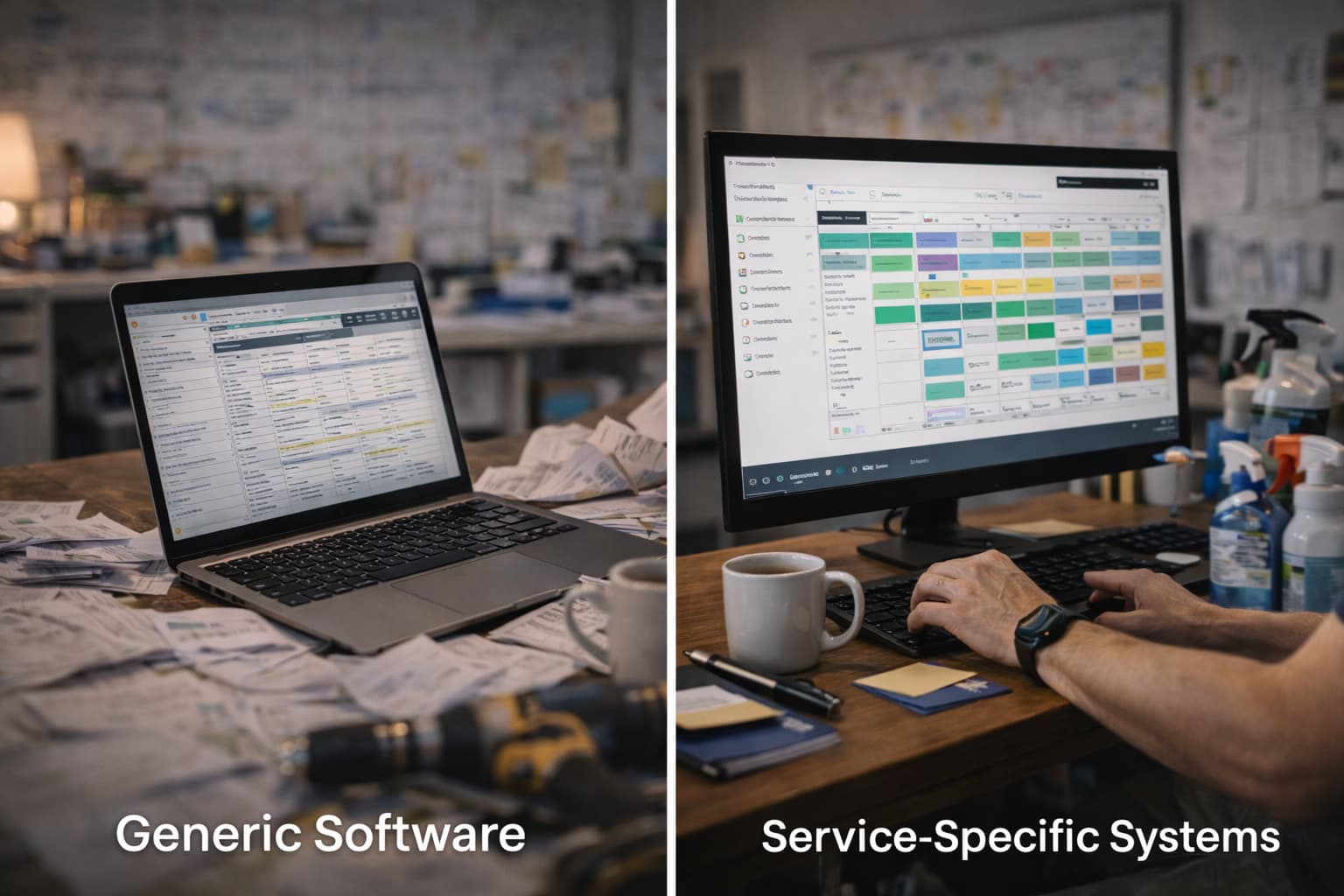
Score each requirement as demonstrated, conditional or missing. Decide which gaps your team can realistically operate around. The generic versus service-specific comparison helps explain architectural tradeoffs without declaring one category right for every company.
Common questions
Is the system with the most features the best?
Only if the required workflows are usable and affordable for your team. Evaluate demonstrated behavior, adoption effort and essential gaps.
Should I migrate everything at once?
Plan a controlled scope, record mapping, validation and recovery first. The right rollout depends on your data quality and operational risk.