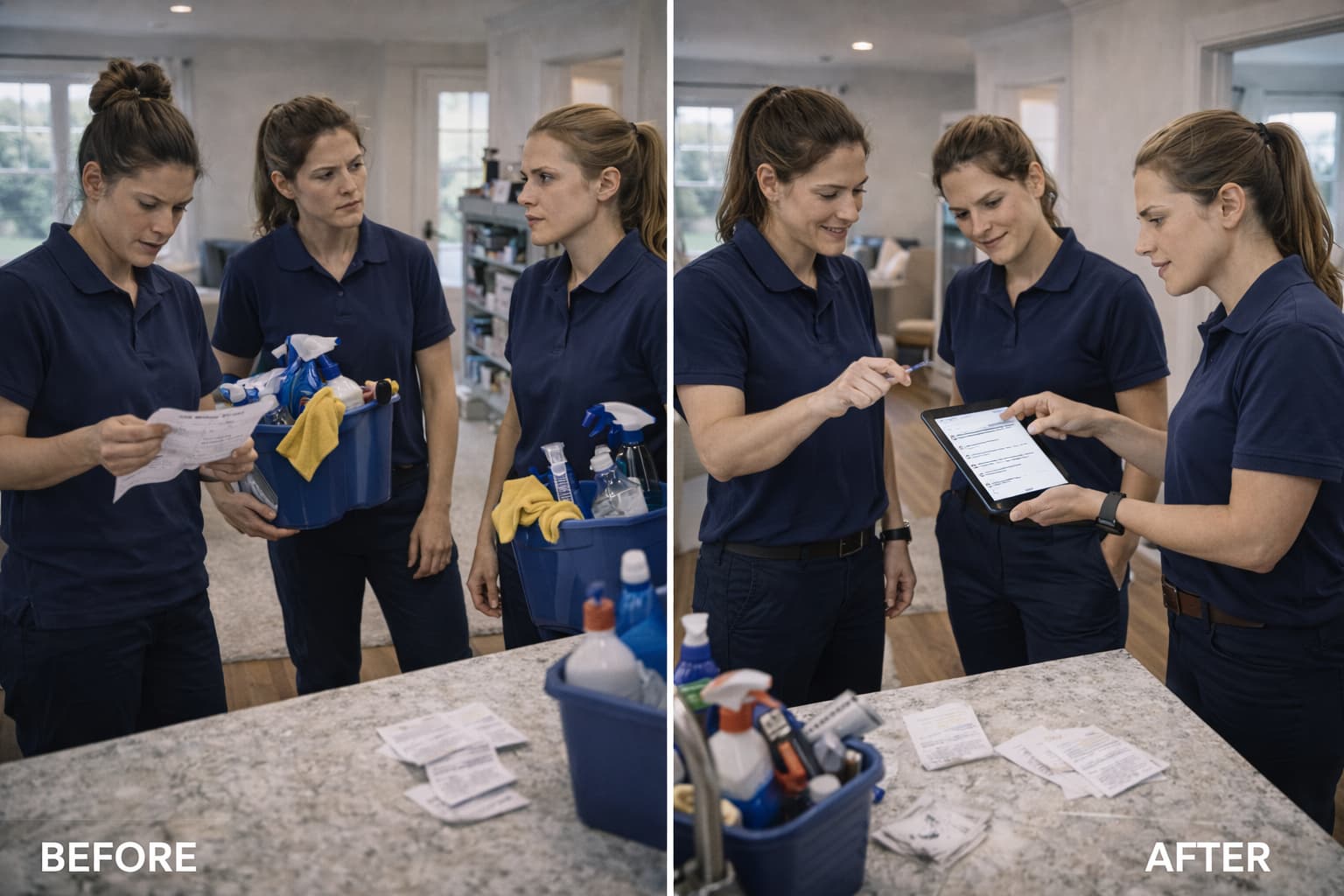
Use automation to support cleaning employee training
Prepare repeatable training steps, practice checks and refreshers while keeping competence and safety review with qualified people.
THE SHORT ANSWER
Automation can deliver instructions, schedule refreshers and flag missing training records. It cannot prove that someone can safely perform a task. Define the skill, provide appropriate instruction, observe practice and record the review. Keep automated reminders separate from evidence of competence.
What you’ll take away
- State the task and the expected observable result.
- Check practice rather than counting videos watched.
- Assign a person to review questions and exceptions.
In this guide

A repeated training sequence helps a new worker find the right instruction. The sequence still needs an accountable person who can answer questions and assess practice.
Define a small skill
Choose a task such as locating current job instructions or recording an authorized completion note. Explain the expected result, common mistakes and when to ask for help.
For equipment, chemicals or other hazards, use appropriate safety instruction and qualified supervision. A general software onboarding sequence is not a substitute for required workplace training.
Deliver the instruction consistently
Place the current instruction in an accessible location. Use a short explanation, a demonstration and a practice task appropriate to the worker's language and needs.
Automation may assign the module or send a reminder. Verify that the correct version reaches the correct person and remove outdated copies that could conflict with it.
Observe the practice
Hypothetical example: a trainee opens a synthetic job, identifies the approved scope and records an access exception. The reviewer checks the actual result and asks the trainee to explain the next action.
A completion checkbox or a watched video does not demonstrate competence on its own. Record the review, any gap and the follow-up practice. Use the team management guide for specific feedback.
Trigger refreshers from a defined need
A changed procedure, a repeated misunderstanding or a planned review can justify a refresher. Avoid broadcasting every module to everyone without context.
Test failed delivery and unanswered questions as part of the automation workflow. Keep sensitive personnel records appropriately restricted. The completion record guide can serve as a practice example; OSHA's cleaning resources are a separate starting point for hazard awareness, not a certification provided by this article.
Common questions
Does an automated training completion prove competence?
No. Use appropriate observation and review for the actual task. Delivery and acknowledgment records describe different evidence.
Can this replace safety training?
No. Obtain the instruction, supervision and records appropriate to the work and applicable requirements. This is a training-workflow guide.
Sources & context
- Cleaning industry safety resources · OSHA
Context on industry hazards. This DOP operations guide does not replace safety training or establish regulatory compliance.